For enterprise security teams
Make Every Security Assessment Build on the Last
Your systems are assessed repeatedly, often by different testers and providers. Security Reporter is a self-hosted assessment and reporting platform that keeps findings, evidence and retest history connected, so each assessment starts from what your organisation already knows.











An Assessment May End. Its Security Context Should Not.
Every assessment leaves findings, evidence and testing decisions behind. By the next one, they are often spread across reports, tickets and individual team members, and easy to lose when people change. The next tester then has to reconstruct what was in scope, which fixes were verified and why earlier testing decisions were made.
-
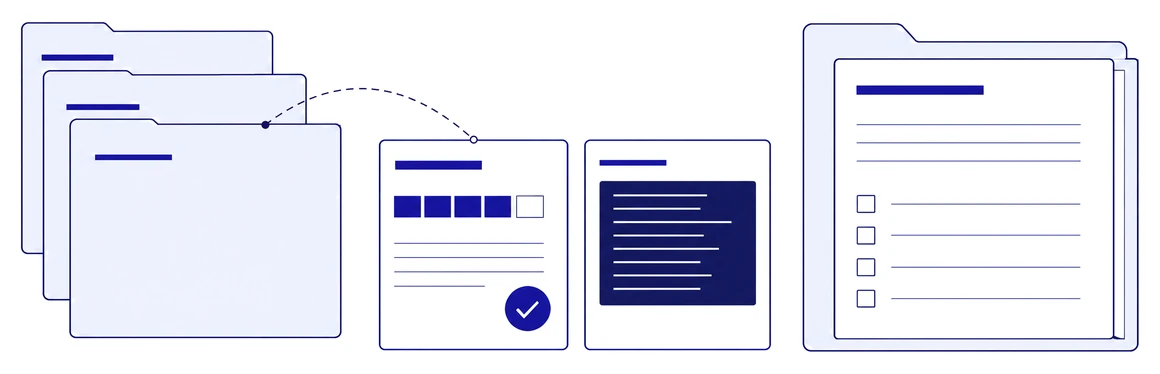
Previous assessment information
Earlier findings, evidence and retest outcomes stay available for every assessment that follows.
-
Reusable security knowledge
A shared library of approved findings and remediation guidance preserves what the team has learned across the organisation.
Security knowledge should remain with the organisation, not with the person who happened to perform the last assessment.
Give the Next Tester a Head Start
A year later, a different tester assesses the same environment. Previous scope, findings and retest evidence help them prepare the assessment and identify what needs renewed attention.
-
Previous scope
The management network was excluded from the previous assessment.
Discuss whether it should be included in the new scope.
-
Open finding
The finding about excessive service-account privileges was still open at the last review.
Check remediation progress and reassess the exposure.
-
Verified fix
The SMB relay path could no longer be reproduced during the previous retest.
Use the earlier evidence to test whether the fix remains effective.
Your Assessment Standards, Across Teams and Providers
Your team assesses web applications, APIs, infrastructure and source code, often alongside external testing providers. Each provider reports differently, yet your team has to review and follow up all of their findings together.
Give everyone a shared structure for findings, evidence and review, while each assessment uses the methodology, checklists and scoring model appropriate to the work.
-
Methodology
One or more checklists per assessment, from the included set or your own templates.
-
Scoring model
CVSS, OWASP risk rating, PASSI and others, chosen per assessment.
-
Finding layout
Its own sections and fields for each type of assessment.
Consistent records across teams and tools Manual findings, imported results from tools such as Nessus, Qualys, Nmap and Burp Suite, and contributions from external providers all follow your agreed structure, with evidence, review and remediation history kept together.
Keep Findings Connected Through Remediation and Retesting
A development team has closed the ticket. Your security team still needs to verify the fix. By then, the finding may have passed between developers, application owners and infrastructure teams.
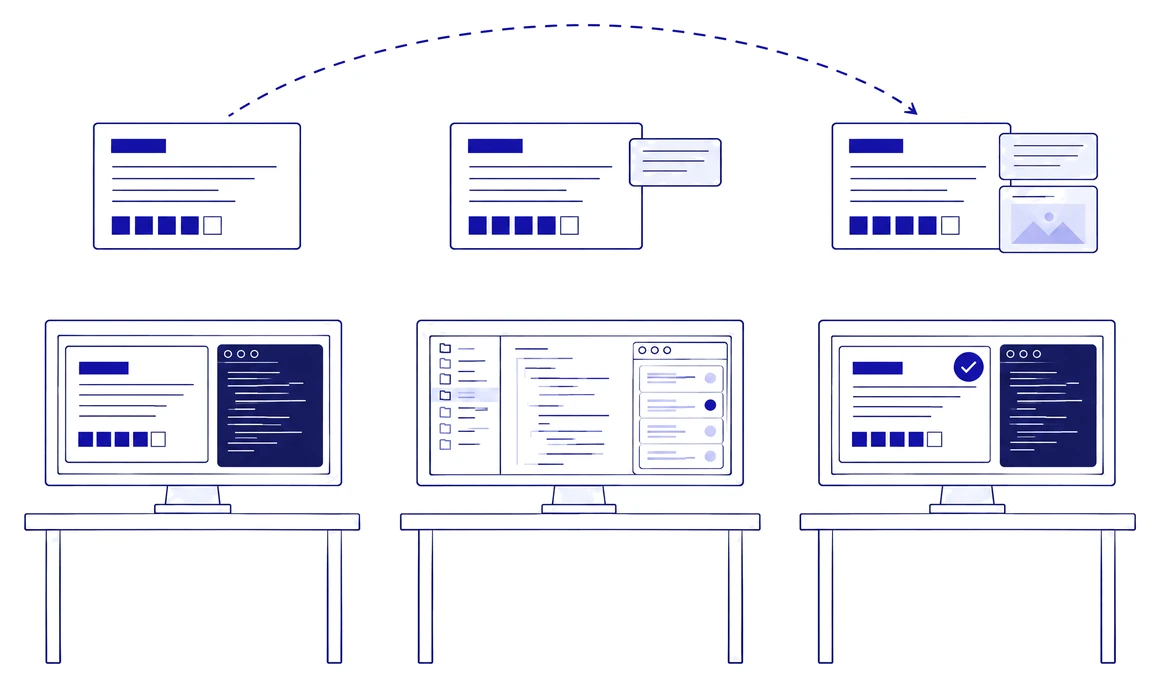
Developers and infrastructure teams can keep working in their own ticketing system: with a configured integration, a published finding creates or updates a linked ticket, and a closed ticket can request a retest.
The finding itself stays in Security Reporter, with its questions, supporting evidence and remediation history. When verification begins, the tester returns to the original evidence and technical context instead of reconstructing what happened.
Build a Jira integration with n8n
Show How Every Finding Was Handled
Months after an assessment, internal audit asks what happened to its critical findings: which were fixed and verified, which were accepted as a risk, and who changed a finding along the way. The answers are in the record of the assessment, not in someone’s memory or inbox.
Web application assessment · Customer portal
-
Critical
SQL injection in the order search
Verified fixed
Retest passed, evidence attachedL. Visser · 14 May
-
Critical
Unsupported operating system on a legacy server
Accepted risk
Risk accepted by the system ownerM. de Groot · 2 June
-
Critical
Remote code execution in the file import
Unable to verify
Retest environment unavailableL. Visser · 16 May
Version history: severity of the SQL injection raised from High to Critical by J. de Vries on 3 March.
-
Verified fixes
Retest evidence and the outcome stay linked to the original finding.
-
Different outcomes stay distinct
A verified fix, an accepted risk and an outcome that could not be verified remain distinguishable in the assessment record.
-
Who changed what, and when
The audit trail lets you trace recorded activity to a user and a time, and finding versions can be compared to see what changed.
Decide What Needs Attention Next
Enterprise security teams run several assessments at once, while follow-up from earlier ones keeps arriving.
Your internal policy requires critical findings to be remediated within two days. One is due tomorrow, two assessments are still being tested, and a development team has asked for a retest of an earlier finding. You need to know where to start, without reconstructing the status from separate conversations.
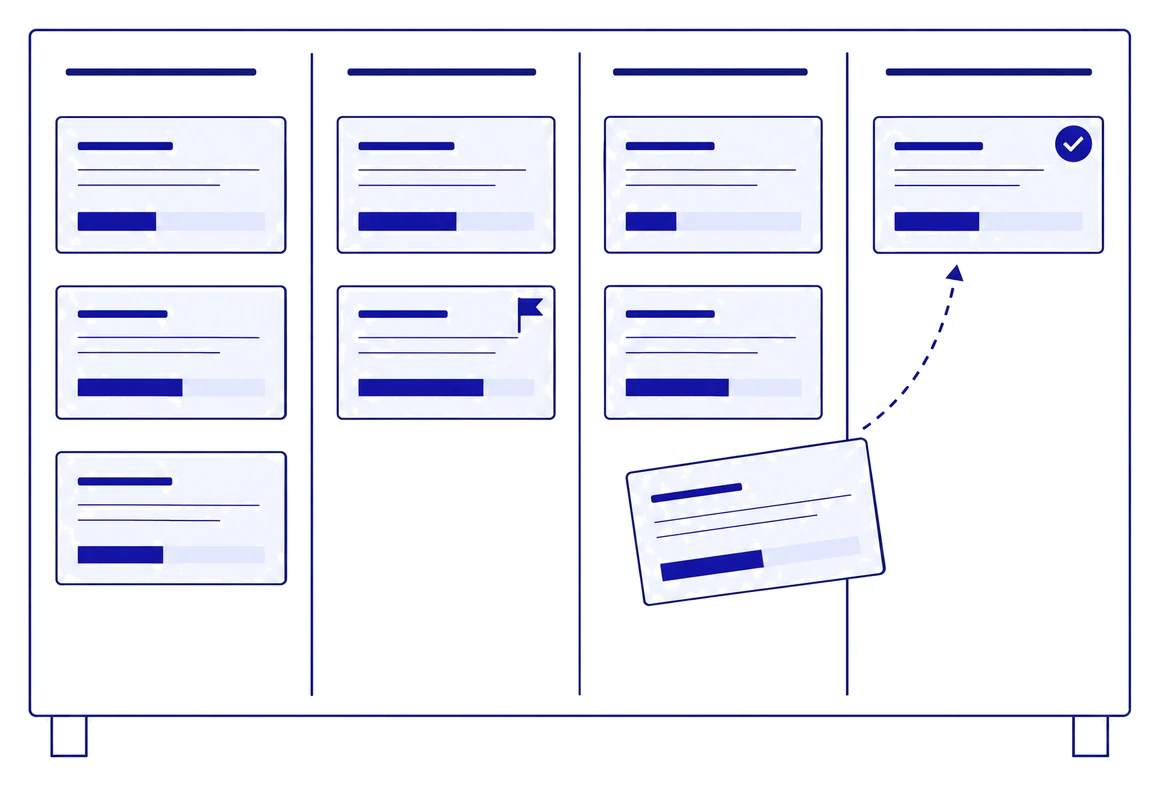
Security Reporter brings active assessments, assigned researchers, assessment due dates, findings ready for review and requested retests together in one overview. Remediation deadlines per severity follow your own internal policy, so you can see which findings need follow-up first and plan the next step.
Keep Sensitive Assessment Data Under Your Control
When you propose a new assessment platform, your security architects and procurement team need to understand where sensitive data will live, who can access it and how the supplier demonstrates its security. Assessment data holds exploitable vulnerabilities, internal architecture, screenshots, source-code context and detailed evidence.
-
Where the data lives
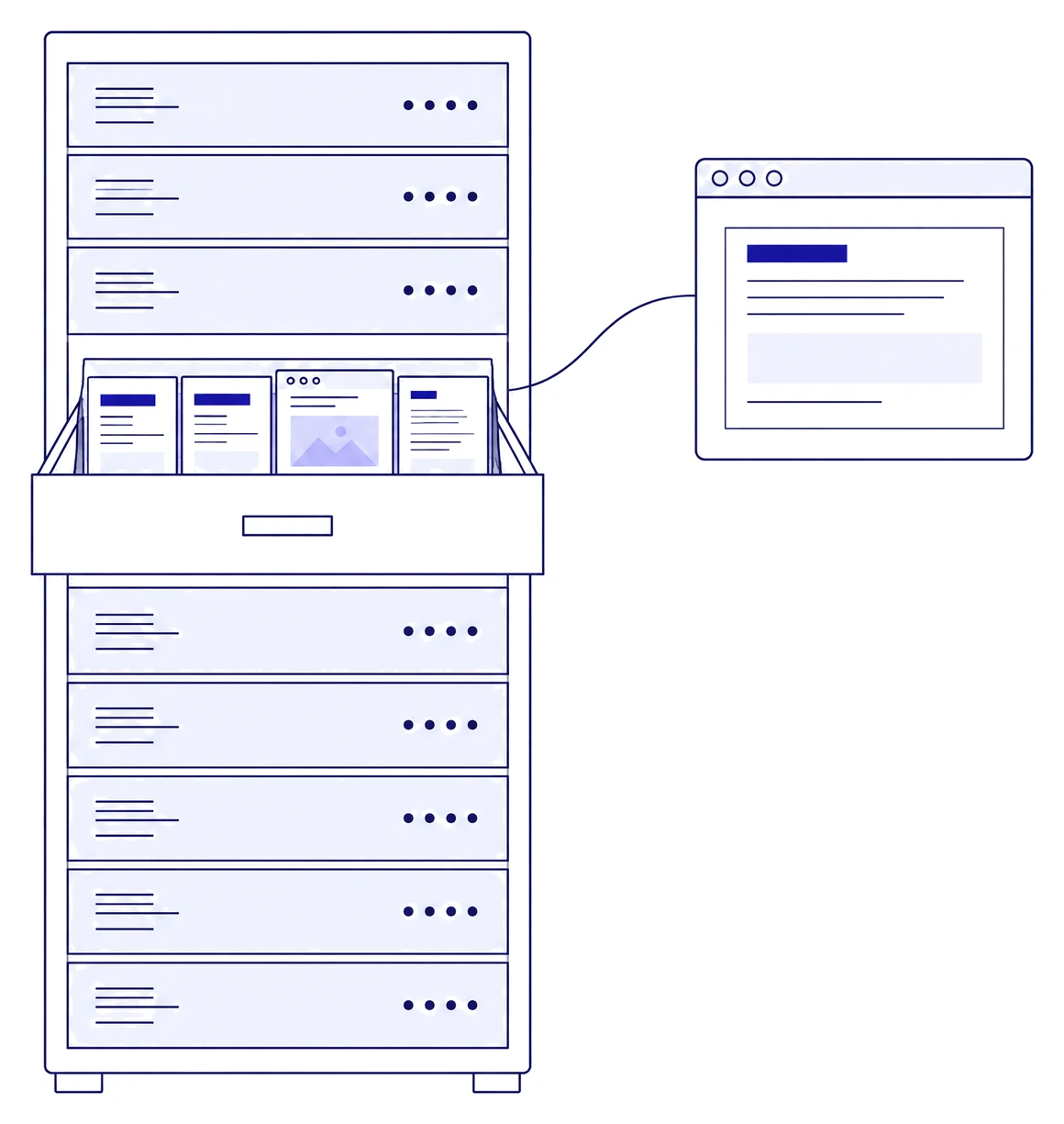
Security Reporter is self-hosted: you decide where the platform runs and where findings and evidence are stored, which keeps data-residency requirements in your hands.
-
Who can access it
You can connect your identity provider for single sign-on, provision users with SCIM and limit each user to what their role allows.
-
How the supplier is assessed
DongIT, the company behind Security Reporter, is ISO/IEC 27001:2022 certified and carries the Cybersecurity Made in Europe label for European cybersecurity companies. Qualified prospective customers can review the latest independent penetration test report of the product on request.


A Maintained Platform, Backed by the People Who Build It
Your team relies on its assessment platform every day, through testing, review and retesting. Mature teams often build their own templates, scripts or reporting applications, and over time those become another internal system to maintain, competing with the security work they were meant to support.
-
Support from the people who build it
No intermediaries. Your questions go straight to the developers of Security Reporter, who respond quickly and understand assessment work.
-
A product that keeps developing
Regular releases and security updates. Customer requests help shape the product: when a request adds value for Security Reporter and its other customers, we build it into the standard product at no charge.
-
Your installation, your standards
Your organisation runs its own installation, so availability, backups and update timing follow your own policies. We develop and maintain the software; your methodologies, knowledge, templates and data stay yours.
Questions Before the Demo
How can we bring existing assessment information into Security Reporter?
Plan the move around the information you need to keep. Historical reports can be attached to assessment records, and supported tool formats can be imported. Agree which structured findings, fields and workflows need mapping before migration. Keeping an old report as an attachment preserves it as reference; its findings are not automatically converted into structured records.
Can external assessors work alongside our internal team?
Yes. Add external assessors to the relevant assessments with their own roles and permissions. Agree the finding structure, review process and reporting requirements up front, so their contributions follow your internal way of working.
Does Security Reporter replace our vulnerability management or GRC platform?
No. Security Reporter runs the security assessment workflow: findings, evidence, review, remediation, retesting and reporting. It works alongside project management, vulnerability management and GRC platforms, and its API and webhooks can pass findings to them.
How is Security Reporter deployed?
Security Reporter is self-hosted and deployed with Docker on infrastructure you control, on-premises or in a private cloud. Findings, evidence and source-code context stay within your environment, and users sign in through your identity provider with SSO.
How should we evaluate Security Reporter for our environment?
Use a representative assessment. Include a previous assessment and a follow-up scenario. Check how testers find earlier evidence, record new work, hand findings to engineering and verify fixes. Agree reporting, migration, access and deployment requirements with the people who will use and operate the platform.
Build on Every Assessment
If your security team is managing recurring assessments, remediation and retesting across separate documents and tools, see how Security Reporter can preserve the context and knowledge created by every assessment.