2021.07.23
Breaking changes
The setting 2FA_ENFORCE is renamed to MFA_ENFORCE.
Activity improvements
Elaborate activity logging is available within the assessment and under the user view.
Retest request improvements
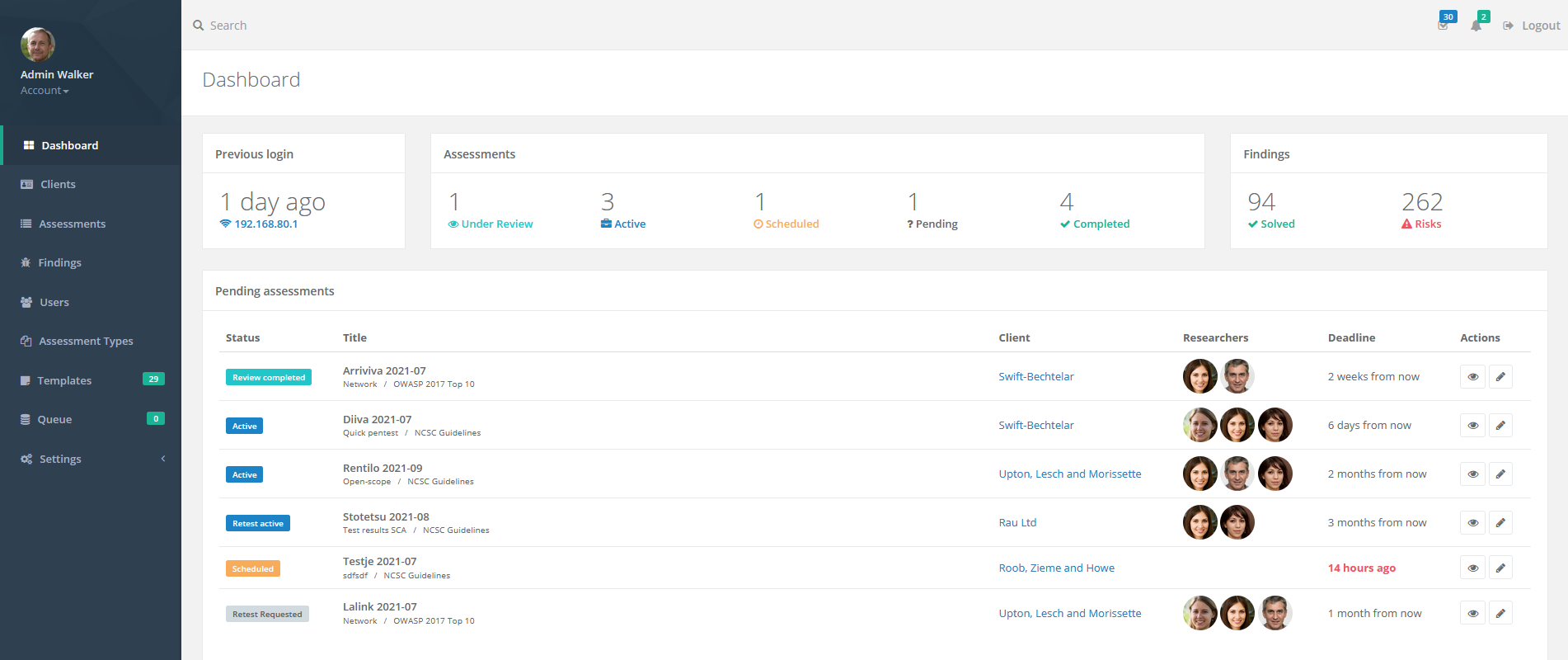
A new assessment status "Retest requested" has been added. Creating a retest inquiry in a completed assessment now sets the status to "Retest Requested". Assessments with this status are displayed on the dashboard so a manager can easily schedule them.
Other:
- The ability to cancel a retest request for a finding has been added. The report is not updated when canceling a retest. Previously, the retest request had to be deleted whereby information is lost, or a researcher/manager had to answer the retest request whereby the report was updated.
- Reviewers can no longer trigger "Review Completed" if draft findings are remaining in the assessment.
- Under the main menu item "Findings" it is possible to click on the "Retest requested" badge to directly show the associated retest request.
Invite users to assessment improvements
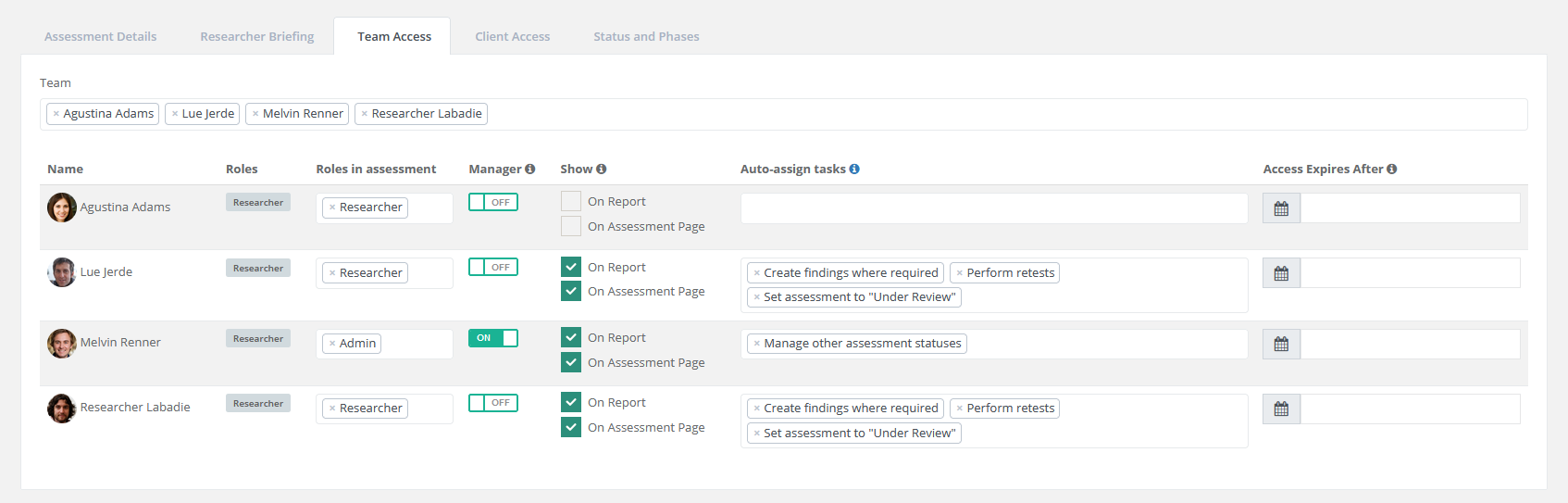
- The "invite user" functionality has been clarified by adding tabs to the modal that separates inviting new users from existing users.
- Clarified adding new clients for an admin/manager. It is no longer required to select a role for the client.
- Inviting existing users to an assessment no longer refreshes the page.
Other new and improved features
- Users without job titles or not associated with clients, now have the title of "Researcher", "Administrator", "Client" or "Member" in that order based on roles.
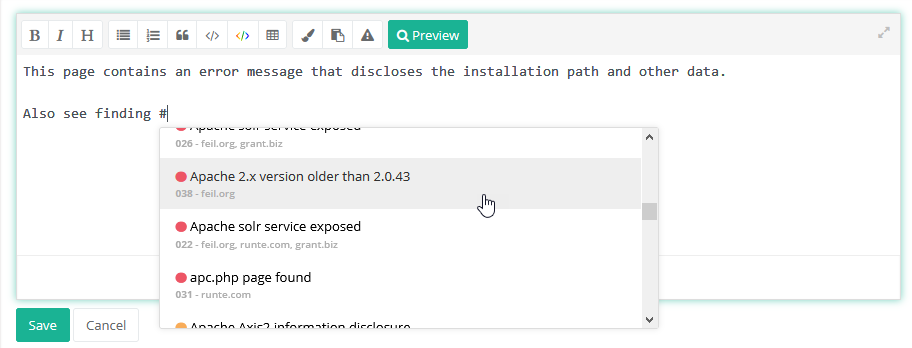
- It is possible to directly link to finding events (displayed under the finding) such as a comment or a retest by clicking on the event timestamp. In these displayed finding events, the avatar and name of users now also link to the user view, so it is, for example, easy to look up this user's activity.
- Timezones are now shown in the status report. Also, checks if the timezone is valid.
- Assessment section updated messages are no longer sent when nothing or only the order was updated.
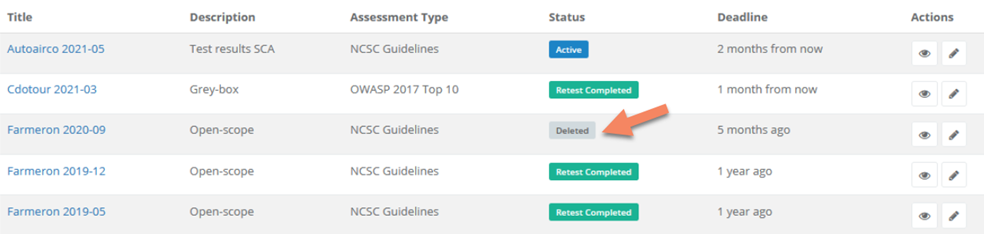
- Clients can no longer be deleted if they have assessments unless the assessments are soft-deleted.
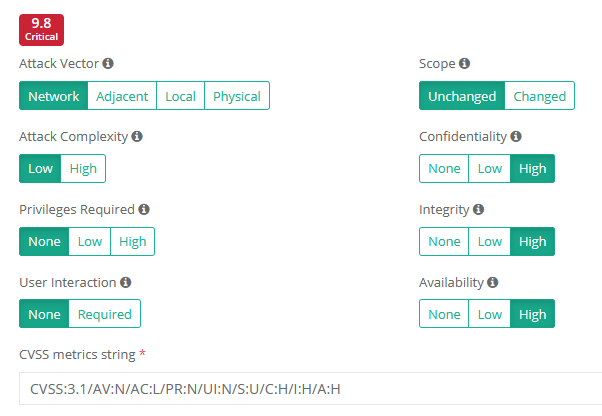
- CVSS metrics are clarified (temporal and environmental metrics).
- Users that receive a notification of an assessment delete request now also get a new task assigned.
Bugfixes
- Fixed opacity setting for watermarks in the online report.
- Fixed a bug that caused SMS notifications not always to be sent.
- Fixed a bug where rejecting a retest from the review page would not reload the tab.
- Fixed a bug where approving multiple findings or retests would create a string of buttons on the page.
- Fixed a bug where creating a newly published retest would sometimes resolve it.
- Fixed a bug where retests for a finding were sorted in a random order in the report.
- Fixed a bug with the is-private toggle when editing comments.
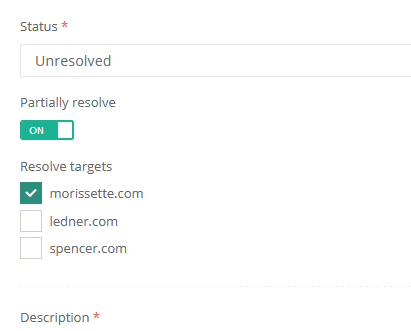
- Fixed an issue where resolved targets were not unset when unticking "partially resolve" when editing a retest.
- Fixed two rare edge cases when changing the targets of a finding that has status changes or retests. Adding a target to the finding now also adds it to the resolved targets of resolved status changes and retests. Removing a target from the finding now resolves status changes and retests that resolve all of the finding's remaining targets.
- Fixed an issue where the old severity determined the new status of a finding.